


One Reddit user on r/sales summed it up perfectly: "I spent 6 hours a day finding leads and crafting emails. Now AI does it in 30 minutes, and my reply rates tripled." This anecdote is no longer an outlier; it's becoming the norm for B2B teams. They just have to pick the right tool. 54% of sales teams already use AI agents, another 34% expect to within two years, and high-performing teams are 1.7x more likely than underperformers to use prospecting agents (Salesforce State of Sales Report 2026). The shift happened fast, and it isn't slowing down.
But "right" is the magic word here. The market is flooded with platforms claiming AI superpowers when they actually just deliver little more than a glorified mail merge. Here are the 10 leading tools, along with our honest comparison, so you can find the appropriate solution for your team's actual needs. If you want a broader view across the category, our best lead generation tools guide covers non-AI options too.
The comparison criteria of AI lead generation tools
Six dimensions separate the genuinely useful platforms from the marketing fluff. Data quality, personalization depth, channel support, integrations, compliance, and setup speed all matter — the weight you give each depends on your workflow.
Data quality & coverage
A tool is only as good as the contacts it surfaces. Look for verified B2B data with high match rates across multiple regions, not just North America.
AI personalization depth
The difference between real innovation and window dressing. Can the tool use real-time signals (job changes, funding, tech stack) — or does it just swap in a first name?
Multichannel capabilities
Your prospects live on email, LinkedIn, and phone simultaneously. Native support beats bolting on third-party integrations — cleaner data, less friction.
Integration ecosystem
Seamless CRM sync, workflow automation, and flexible APIs save hours of manual work every week. Check the depth, not just the logo wall.
Compliance & deliverability
GDPR alignment, email warming, and domain health monitoring protect your reputation. Non-negotiables, not nice-to-haves — especially if you sell into the EU.
Time to value
The hidden dealbreaker. Some tools take days or weeks to configure, others get you sending within an afternoon.
The 10 best AI lead generation tools at a glance
Skim the lineup first — deep dives, screenshots, and user quotes follow below.
| Rank | Tool | Best for | G2 rating | Starting at |
|---|---|---|---|---|
| #1 |  Overloop Editor's pick Overloop Editor's pick | B2B teams that want AI-first multichannel without complexity | ★ 4.4 (134) | 14-day free trial |
| #2 |  Clay Clay | Technical teams building custom workflows from scratch | ★ 4.7 (185) | $149/mo |
| #3 |  Apollo.io Apollo.io | Database size over advanced AI features | ★ 4.7 (9,344) | $49/user/mo |
| #4 |  Instantly Instantly | Email-only campaigns with high volume | ★ 4.8 (4,081) | $37/mo |
| #5 |  Outreach Outreach | Enterprise teams with dedicated sales ops | ★ 4.3 (3,561) | ~$130/user/mo |
| #6 |  Reply.io Reply.io | Mid-market wanting multichannel without enterprise complexity | ★ 4.6 (1,528) | $59/user/mo |
| #7 |  Lemlist Lemlist | Creative outreach with images and video | ★ 4.6 (1,486) | $39/user/mo |
| #8 |  SalesLoft SalesLoft | Enterprise teams already in the SalesLoft ecosystem | ★ 4.5 (11,129) | ~$150/user/mo |
| #9 |  Smartlead Smartlead | Bootstrapped startups needing basic email automation | ★ 4.6 (306) | $25/mo |
| #10 |  HubSpot Sales Hub HubSpot Sales Hub | Teams already using HubSpot CRM | ★ 4.4 (13,599) | $50/user/mo |
Overloop
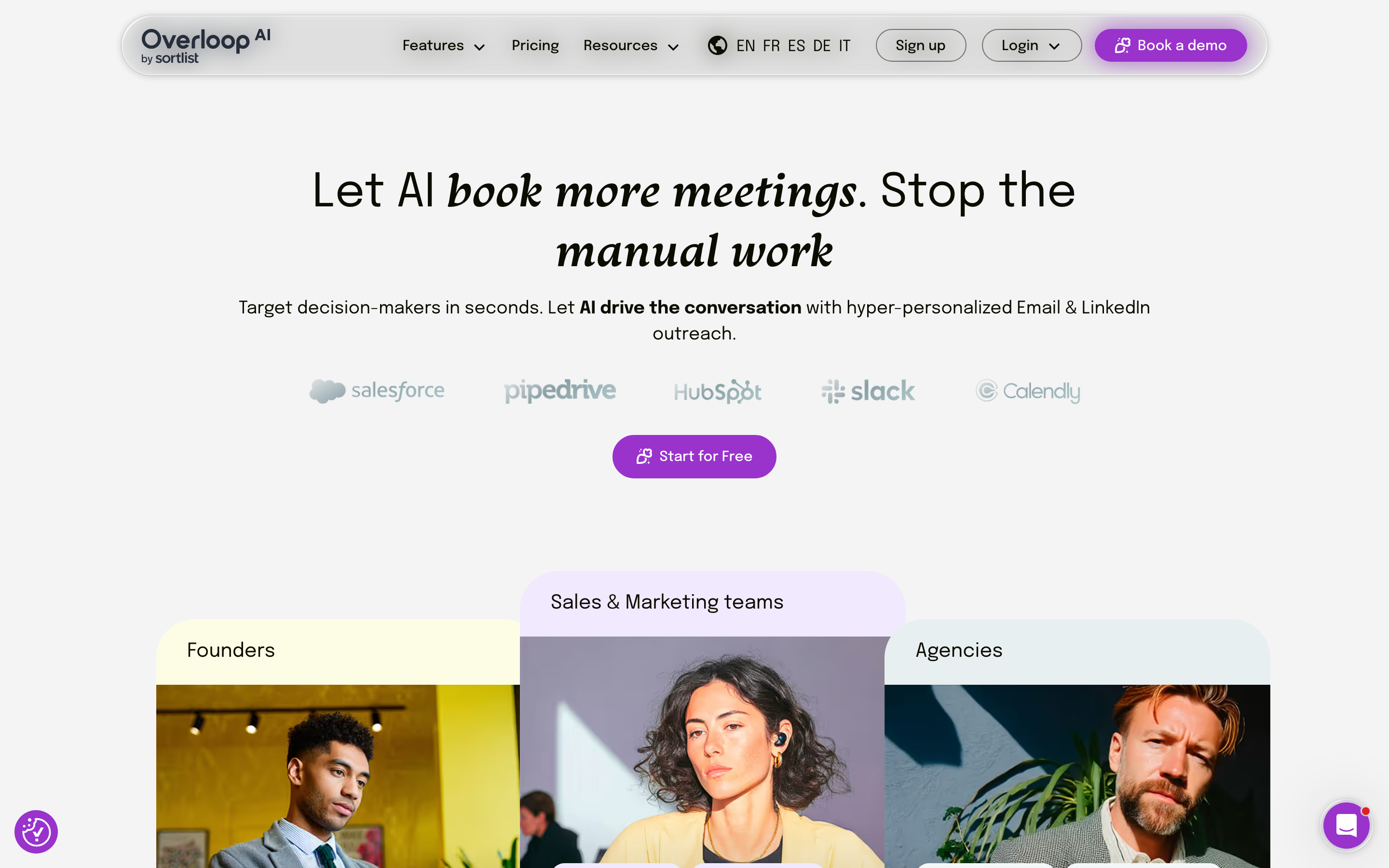
Overloop stands out as the AI-first multichannel platform built for B2B sales teams that want sophisticated outreach without the operational drag.
It combines advanced personalization with native email and LinkedIn — not bolted-on integrations.
The difference? Overloop wasn't retrofitted with AI features. The platform was built ground-up with AI at its core.
The AI sequence builder adapts messaging based on prospect engagement patterns. Opened a link but didn't reply? The follow-up automatically shifts tone and angle.
Waterfall enrichment pulls from 15+ data sources to build complete prospect profiles before your first touchpoint. The AI email writer, trained on 10M+ successful cold emails, generates copy that actually sounds human.
Setup takes under 30 minutes — vs. weeks for enterprise tools. Built-in deliverability monitoring catches domain issues before they tank your campaigns.
The credit system is transparent with no surprise charges. The main tradeoff: advanced AI features require a paid plan, and custom AI prompts have a learning curve.
For teams willing to invest that initial effort, the payoff compounds with every campaign as the AI improves its suggestions.
"I've worked with a couple of automation tools before and am soo happy to see a platform where you can actually make your own workflows and campaigns."— Bas v., Small-Business (G2)Try Overloop free
Clay
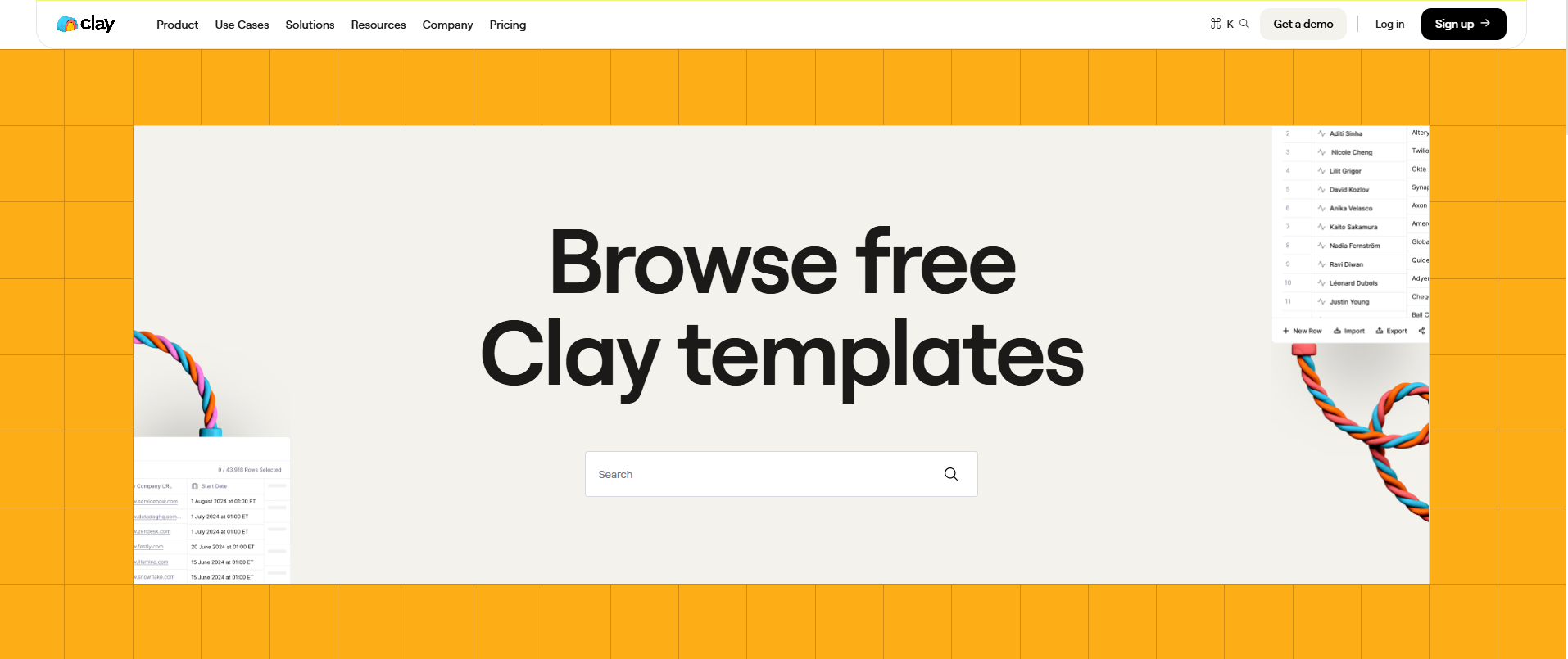
Clay is a data orchestration powerhouse for technical teams building custom lead-gen workflows from scratch.
Its visual workflow builder connects 50+ data providers, enabling complex enrichment chains and AI web scraping few competitors can match. Our B2B data enrichment guide covers where tools like Clay fit in the stack.
Think of Clay as the developer's playground for prospecting. You can chain enrichment steps, run AI research agents, and connect custom APIs in ways rigid platforms simply don't allow.
The community shares templates regularly, which shortens the learning curve.
Here's the catch: Clay doesn't send emails or automate LinkedIn. You'll need separate outreach tools, which means managing multiple platforms.
Even with community help, the learning curve is steep. Costs ramp up quickly from the $149/month starting price.
For account research and data enrichment specifically, few tools come close. For everything else, you'll need additional software.
"I love that Clay serves as a fast memory refresher. For any person in contacts in any communication system or that I've had contact with before, Clay will tell me how many times I've spoken with them and over what time period, in what formats, etc. and will show me those communications."— Leila B., Team Growth Strategist & Founder (G2)
Apollo.io
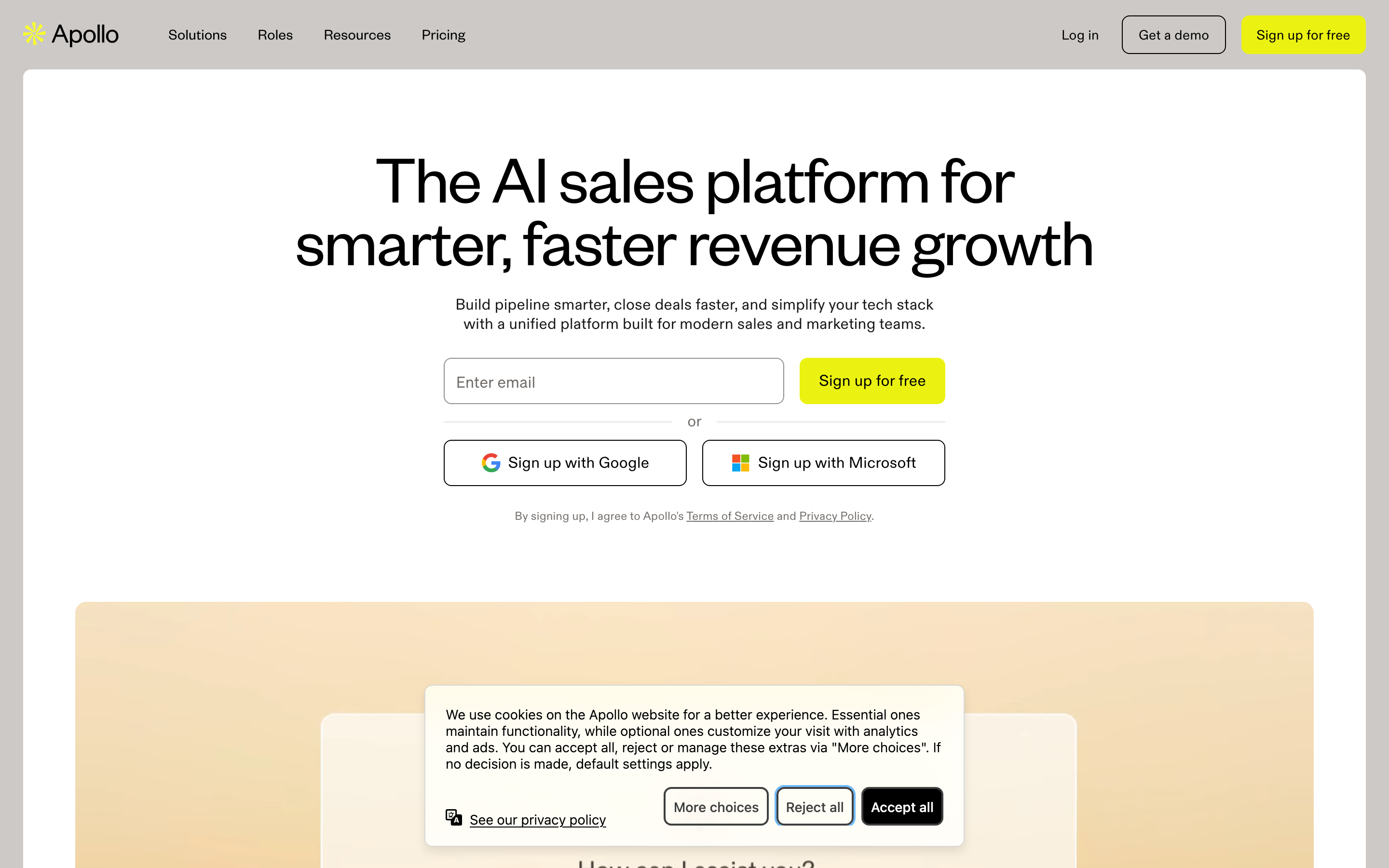
Apollo offers one of the largest B2B contact databases available — 230M+ contacts — making it the go-to for teams prioritizing volume over sophistication.
The feature set is solid: basic email sequencing, CRM integration, and intent data. Solid, but nothing out of the ordinary.
If you're shopping Apollo specifically, our Apollo alternatives guide shows where it falls short.
The platform is stable, and at $49/user per month, pretty affordable. It gets the fundamentals right.
For straightforward prospecting where you need lots of contacts fast, Apollo delivers.
The catch: AI personalization feels like an afterthought — essentially basic template replacement, not contextual intelligence.
LinkedIn integration is weak, with users completing LinkedIn tasks manually. Teams that outgrow basic prospecting will likely need to move on.
"The contact search is really good. I can filter by industry, job title, company size and get a proper list in minutes. Before this I was wasting so much time just trying to find the right person to reach out to."— Durgesh D., UI/UX and Web Designer (G2)
Instantly
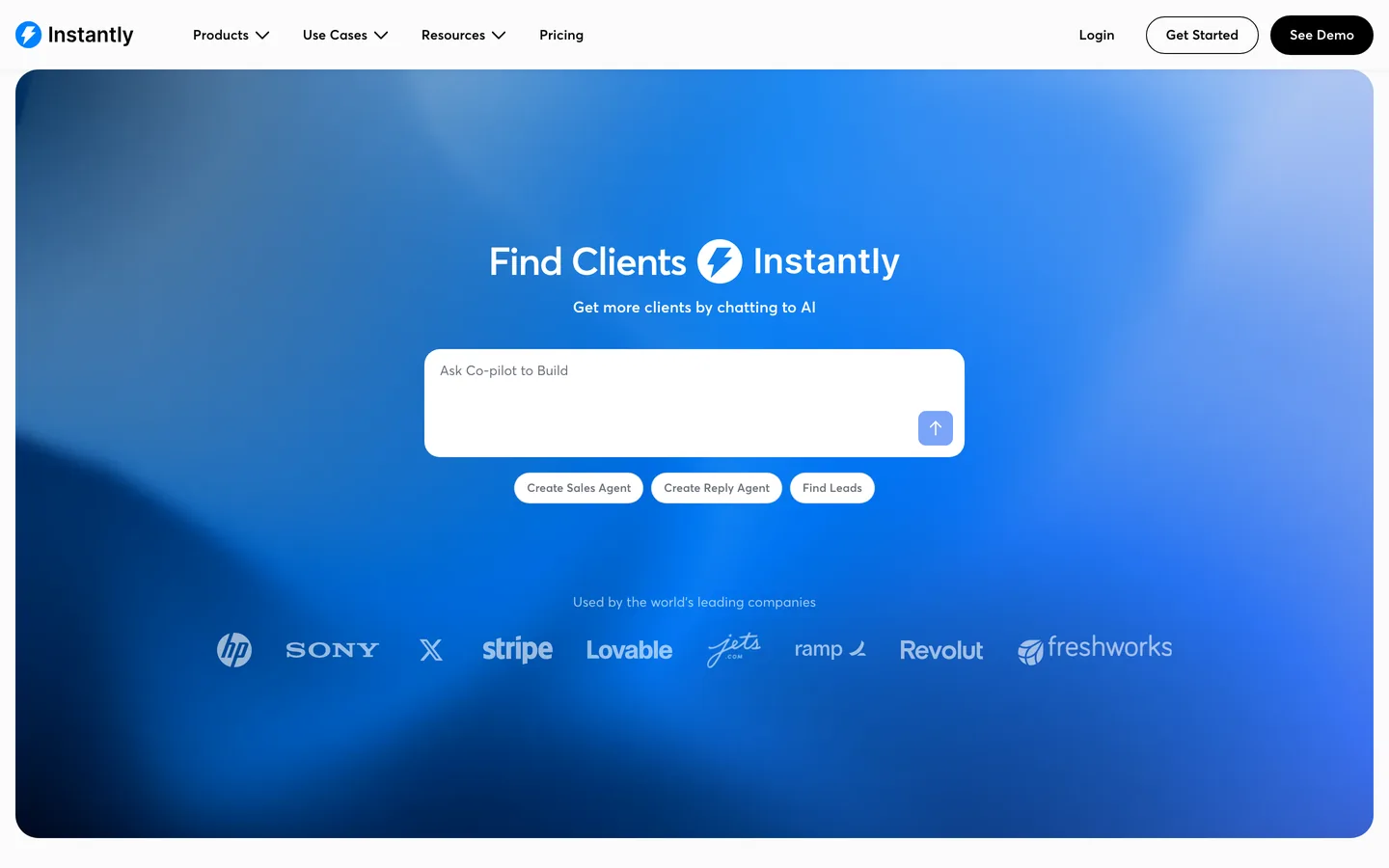
Instantly specializes in one thing and does it well: email deliverability at scale.
Advanced warming, unlimited sending accounts, and deliverability analytics make it the top choice for teams running high-volume email-only campaigns.
The interface is refreshingly simple. Connect your accounts, warm them up, and start sending.
At a $37/month starting price, it's accessible for bootstrapped teams.
The limitations are clear: no LinkedIn, no phone, and AI capabilities that don't go beyond basic personalization. Data enrichment is weak, too.
If email is your only channel and you already have clean data, Instantly works great. If you need anything beyond that, you'll outgrow it quickly.
"Instantly is genuinely easy to pick up and get started with — the learning curve is minimal, which means you can hit the ground running without spending hours figuring things out."— Daniel W. (G2)
Outreach
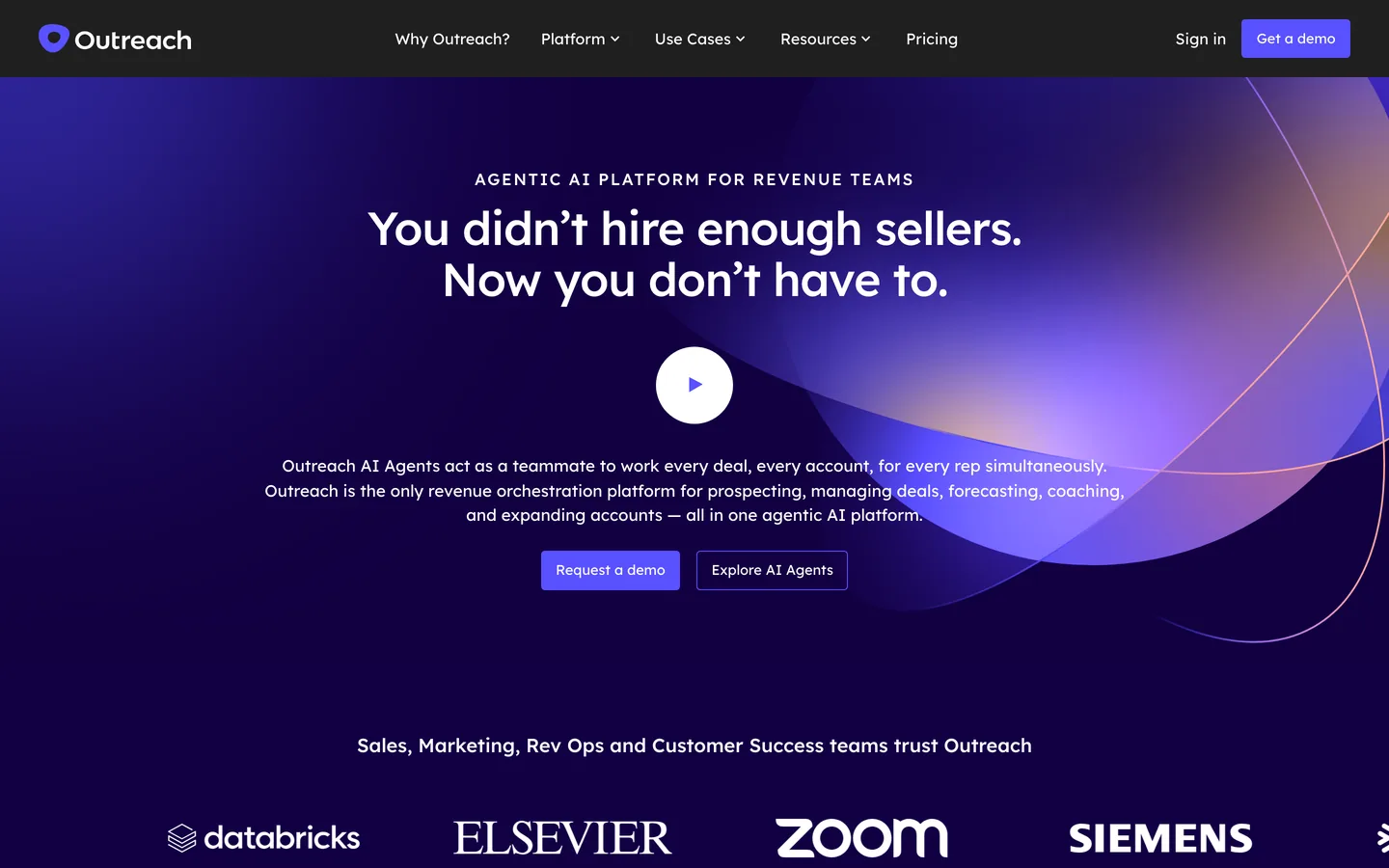
Outreach remains the enterprise standard for sales engagement — advanced analytics, revenue intelligence, coaching tools, and enterprise-grade security.
Large organizations with dedicated sales ops teams and substantial budgets still gravitate toward it. For mid-market shortlists, see our Outreach.io alternatives breakdown.
The analytics and forecasting are genuinely strong. Conversation intelligence helps managers coach reps effectively.
The platform has a proven enterprise track record, including Cisco, Siemens, Databricks, Zoom, Snowflake, McKesson, Okta, and Elsevier.
The downsides are significant for most teams. Pricing typically ranges $100–$150/user per month (contact sales for exact quotes).
Implementation takes 3 to 6 months. While AI features are improving, they can feel dated compared to platforms built in the AI era.
For teams with fewer than 50 reps, the complexity and cost are hard to justify.
"Outreach templates for email and call outreach is incredibly helpful for mass sending updates to my customers. My enablement team and marketing teams can upload templates and outreach (no pun intended) goals and sending those customized email communications is quick and efficient — especially helpful given I manage hundreds of customers and need to move fast!"— Annie W., Enterprise Account Manager (G2)
Reply.io
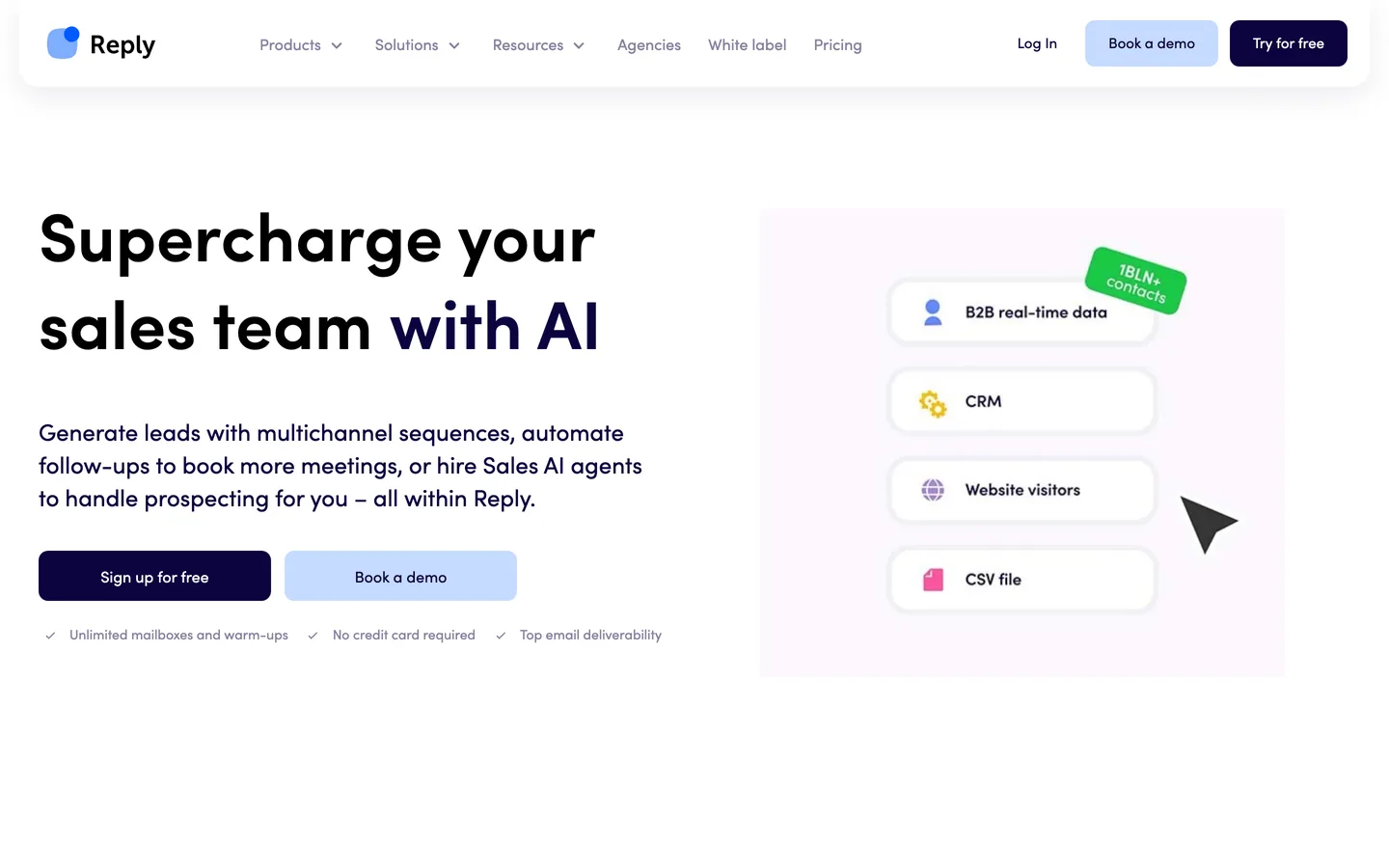
Reply.io offers a great middle ground for users wanting true multichannel without enterprise complexity or pricing.
Email and LinkedIn automation, an AI assistant, a built-in phone dialer, and task management all bundle together for $59/user per month.
Customer support is responsive, and the platform is relatively easy to set up and configure. Mid-market teams wanting multichannel from a single dashboard will find Reply delivers a good experience.
The AI personalization, however, still feels basic compared to AI-native platforms.
LinkedIn features rely on a risky browser extension, which could trigger account restrictions. Data enrichment is limited.
All in all, a good generalist — but not best-in-class at any single thing.
"Easy, flexible, very broad in features, connected to LinkedIn. It does everything I need. Brilliant and quite idiot proof."— Robert R. (G2)
Lemlist
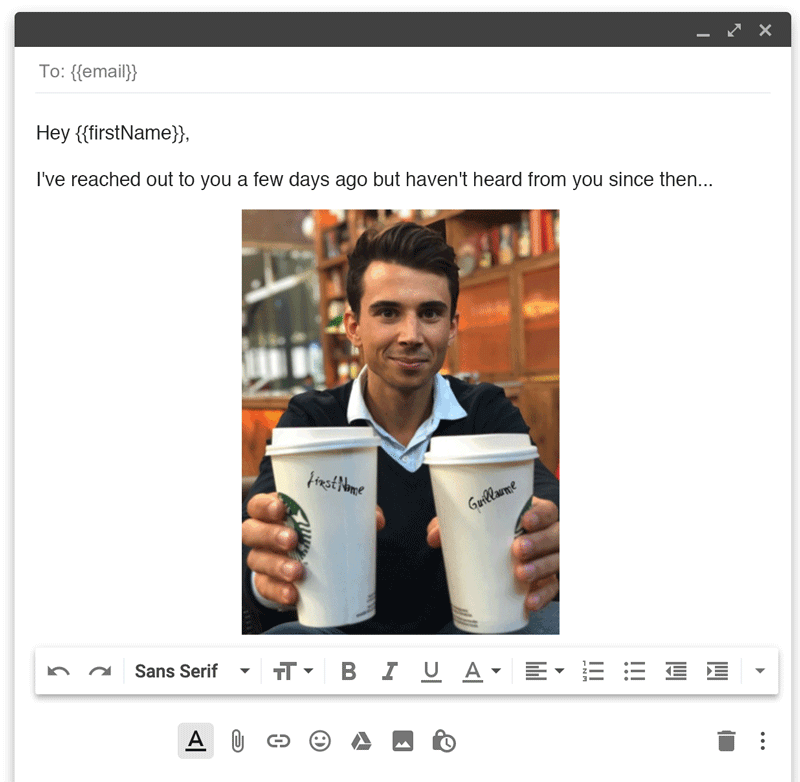
Lemlist was one of the earliest examples of image and video personalization in cold outreach — back in 2018.
That creative edge still sets it apart for teams running visually distinctive campaigns. Liquid syntax, A/B testing, and basic multichannel work well for creative experimentation.
"Lemlist is fun for creative campaigns but I need a second tool for everything else," says one Reddit reviewer in 2026 — nicely explaining Lemlist in a nutshell.
From $39/user per month, Lemlist can help you stand out visually.
AI capabilities lag significantly behind competitors, and data features are limited.
For teams needing creative differentiation (personalized images, custom videos), Lemlist still serves a purpose. As a complete lead generation solution, it falls short.
SalesLoft
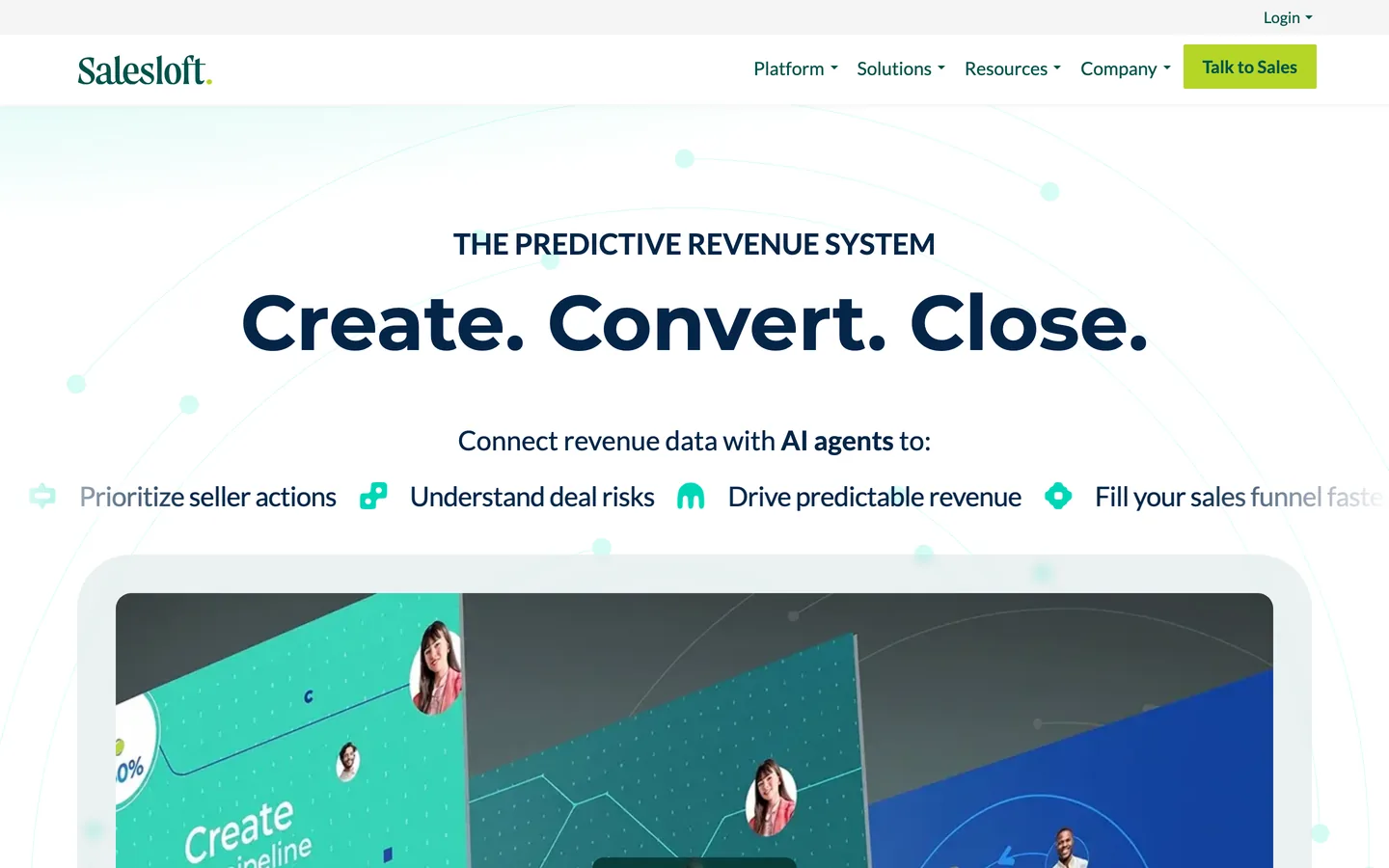
SalesLoft is a direct competitor to Outreach in enterprise sales engagement deals.
Its Rhythm AI prioritizes tasks intelligently, conversation intelligence captures call insights, and deal management features serve call-heavy teams particularly well.
The Salesforce integration is excellent. For organizations already invested in the SalesLoft ecosystem, switching costs make it practical to stay.
Innovation has been slow, though. The AI here feels like an afterthought, not a core capability.
Pricing typically runs $125–$175/user per month, and implementation is complex.
Newer platforms deliver better AI at a fraction of the cost.
"I love that there's a demo library where we can tag specific demo recordings into a library for sales reps to go back and watch, making it super easy for new sales reps to learn how to demo the platform. The email sequence builder is one of the best against any of the industry competitors and it's super easy to use."— Wes J., Sales Manager, NORAM (G2)
Smartlead
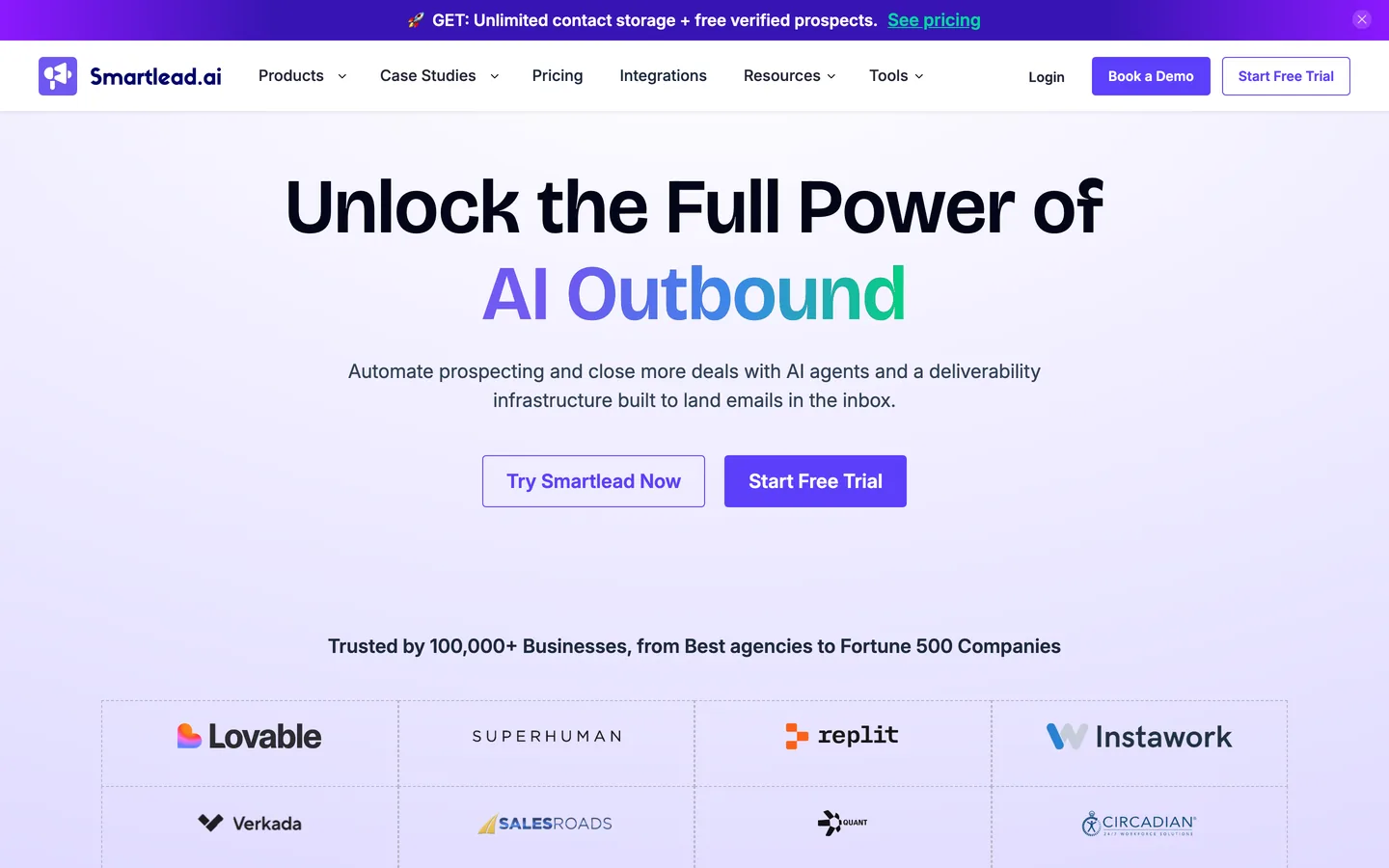
Smartlead offers basic email automation with decent deliverability at the lowest price point on this list.
Starting at $25/month with unlimited email accounts, bootstrapped startups running simple campaigns should consider it.
The API is decent for webhook integrations, and the interface doesn't overwhelm. For teams that need cold email without bells and whistles, Smartlead covers the basics.
Its AI capabilities are essentially nonexistent, there are no multichannel features, and analytics are also basic.
Customer support gets mixed reviews. It's a budget tool — and it acts like one.
"Smartlead has been a key part of how we run AI-powered cold outreach campaigns. It's given us the flexibility to scale personalized outreach while keeping deliverability strong across multiple inboxes."— Garik T., CEO (G2)
HubSpot Sales Hub
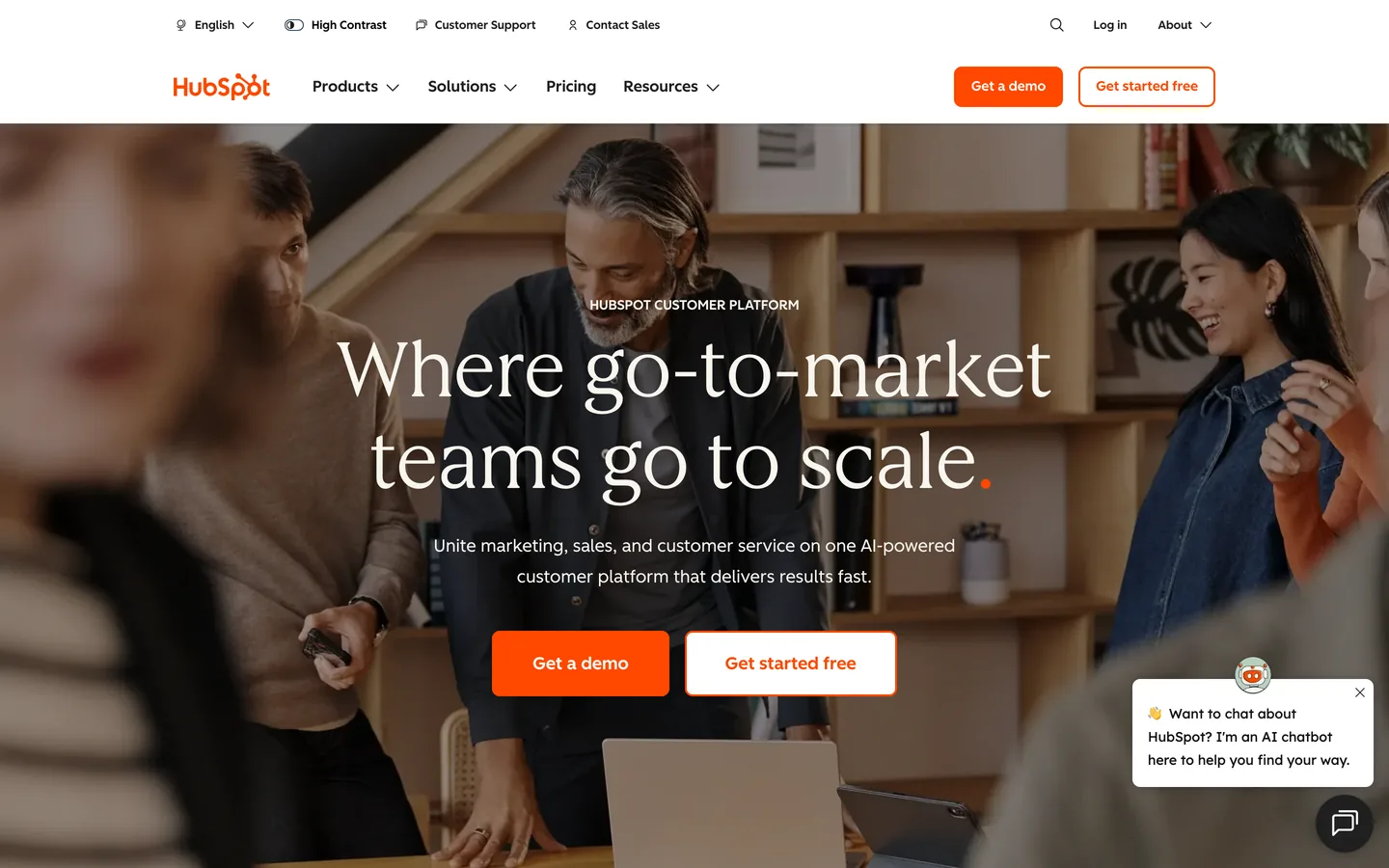
HubSpot Sales Hub adds basic automation to the HubSpot CRM ecosystem.
Email sequences, meeting scheduling, pipeline management, and basic AI insights all work seamlessly for teams already running HubSpot for inbound.
Starting at $50/user per month, it's convenient rather than powerful. The real value comes from the native CRM connection that eliminates data sync headaches.
HubSpot is particularly weak for outbound prospecting. Minimal AI, poor cold outreach features, and expensive upgrades for anything advanced.
For teams serious about outbound, dedicated lead generation tools are a better investment.
"I really value how clearly everything is structured in HubSpot Sales Hub. The sections are intuitive, so information does not get lost or buried, which makes it easy to stay organised and efficient. I also appreciate how well it integrates with the other tools I use, allowing for a smoother and more connected workflow."— Andrew B., Customer Success Manager (G2)
How to choose the right AI lead generation tool
Selecting the right tool depends on two factors above all else: your team's size and your primary outreach channel. Get these right, and you'll avoid paying for features you don't need or outgrowing your tool within months.
By team size
Solo reps (1–2 people)
Overloop or Instantly. Prioritize ease of use and quick setup. Budget $50–150/month.
Small teams (3–10 reps)
Overloop or Reply.io. You need multichannel without drowning in complexity. Budget $300–1,000/month.
Scaling teams (10–50 reps)
Overloop, Apollo, or a Clay combo. Balance automation with personalization quality. Budget $1,500–5,000/month.
Enterprise (50+ reps)
Outreach or SalesLoft. Analytics, coaching, and governance features justify the cost. Budget $7,500+/month.
By primary channel
- Email-first teams should consider Instantly or Smartlead. Both prioritize deliverability and warming over feature breadth.
- LinkedIn-first teams need Overloop or Reply.io. Avoid any tool using browser extensions for LinkedIn automation. Native API integration protects your account from bans.
- Multichannel from day one? Overloop is the strongest option. Most tools that claim multichannel capabilities have features that don't integrate smoothly.
- Data-heavy workflows call for Clay paired with a separate sending tool. Be prepared for technical setup requirements and ongoing maintenance.
What to watch out for
Five warnings that could save you thousands of dollars and months of frustration.
Ready to actually see what AI lead gen feels like?
Overloop combines a 450M-contact database, AI personalization, and native email + LinkedIn sequencing — in one platform, with EU data hosting. Setup in under 30 minutes.
Start free for 14 days →